
Graduating This Semester?
Important Deadlines
Important Deadlines
Deadlines for graduation are very important. If you miss a deadline, you may not be able to graduate in your intended term. Please carefully review the deadlines below to ensure you meet all requirements.
Fall 2025, Spring 2026, and Summer 2026
Fall 2026, Spring 2027, and Summer 2027
Steps for Applying to Graduation
Step 1: Contact Your Program
Students who are planning to graduate this semester should contact their programs to ensure they have met all curriculum and/ or program requirements for their degree program. It is important students contact their program to ensure they complete remaining requirements and any required department paperwork. Be on the lookout for emails from your programs about AC paperwork and any other deadlines.
Step 2: Complete the Application to Candidacy (AC) Form and Download Unofficial Transcript
Submitting your Application to Candidacy (AC) Form is a required task for any graduate student who is graduating this semester.
The application to candidacy (AC) form can be found here: Application to Candidacy (AC) Form
Tips for completing the AC form:
- Save the form as a PDF on your computer.
- To ensure proper processing, please label/name your AC form as: Lastname_firstname_department/program name_AC.
- Ensure all portions of the form are completed entirely. Do not complete the department section on page 3.
- Reach out to your program if you have questions on how to complete any section of the form.
In addition, an unofficial transcript must accompany your AC form. Your unofficial transcript should have a color highlight indicating what courses are being applied to your degree. These courses will be reviewed and verified by your department to ensure they are meeting program specific curriculum requirements. You can access your unofficial transcript by following these easy steps:
- Login to your myUCCS Portal
- In the “Student Center” box, click on “Academics”
- Within the side menu, select “View Unofficial Transcript”
- Change “Graduate Career” to “All CU Careers”
- Press “Submit”
- Download/save the produced PDF. To ensure proper processing, label/name your PDF as: Lastname_firstname_department/program name_unofficialtranscript (department should be your program name).
- Highlight courses being applied to your degree program. Typically, PDF readers will allow highlighting.
Step 3: Submit AC Form and Unofficial Transcript to Program
After completing your AC form and highlighting your unofficial transcript, students should submit paperwork to their PROGRAM for processing by the official deadline produced by the Graduate School. Please do not send paperwork directly to the graduate school. AC forms received by the graduate school will be returned and you will be asked to submit directly to your program. Deadlines can be found here.
Step 4: Submit Online Diploma Card
Students planning to graduate are required to submit their online diploma card in their myUCCS portal. Please note: All graduate students must also submit the completed AC form and highlighted transcript to be eligible for graduation. To complete this process, please follow these instructions:
- Login to your myUCCS Portal
- In the “Student Center” box, click on “Academics”
- Within the side menu, select “Application for Graduation”
- Click “Select to Apply” to change the toggle to be checked (the box will typically change to an orange/yellow color and now include a checkmark).
- Select “Apply”
- Step 1 of 5: Graduation Term.
- Select your Expected Graduation Term in the dropdown menu. If you are not seeing your expected graduation term on the dropdown box, it is too early to apply. Please check with your program on when your application will become available. After selecting your term, click “Next >”.
- Step 2 of 5: Diploma/Degree Name.
- Follow the instructions to review how your name will be listed on your diploma. Please note, you can add accented letters by using the “Special Accents” button. Once finished, click “Next >”.
- Step 3 of 5: Address.
- Follow the instructions to review where your diploma will be mailed to. Once finished, click “Next >”.
- Step 4 of 5: Additional Information.
- Follow the instructions to confirm all the academic information present below is accurate. If the information below is not accurate ( i.e. there are missing majors or majors that you no longer wish to pursue) please contact your program advisor.
- Change the “Graduation Intention” to “Complete” if you are planning on graduating and completing your degree. Once finished, click “Next >”.
- Step 5 of 5: Submit.
- Carefully review all information before submitting your application. Once reviewed and verified, click “Submit”.
- After submitting you will receive a summary of your application.
Step 5: Review Commencement Information
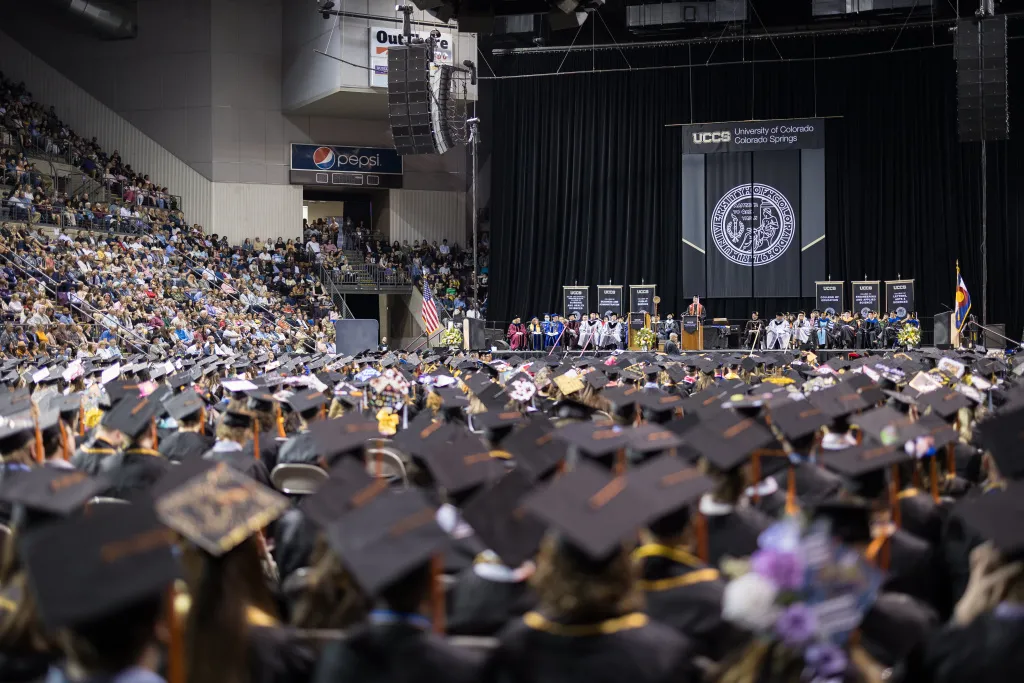
Commencement can be an exciting time and it is time to start making plans if you are planning to attend the commencement ceremony. You can view information about upcoming commencement ceremonies, ticketing information, along with graduation fair (where you will pick-up and pay for regalia) on this page:
Please review the Commencement FAQs here.
**Important** Please be on the lookout for a communication regarding commencement to your UCCS email around October for Fall ceremonies and March/early April for Spring ceremonies. Registration is required to attend commencement. If you are going to be attending Commencement, don’t forget to register your attendance through the Commencement website (opens mid-October for Fall ceremony and opens late March/early April for Spring ceremonies) or by responding to the registration e-mail.
If you have questions regarding commencement, please email commencement@uccs.edu or call 79-255-8721.
Step 6: For Students Submitting a Thesis or Dissertation
If your program requires you to submit a thesis or dissertation, there are additional requirements for you to be eligible for graduation. Please review our Thesis and Dissertation section on this page for information on how to format your thesis and dissertation, and how to submit your copy into ProQuest for review.
Thesis and Dissertation submissions must be submitted per the deadlines published here.
Thesis and Dissertation Guidelines and Submission Procedures
Lifecycle and Deadlines
To provide a general overview of the lifecycle of your thesis or dissertation, please review this helpful PDF.
Students are required to defend their thesis or dissertation 30 days prior to the last day of class.
Specific deadlines for each semester can be found here, on the "Last Day for Final Thesis/Dissertation Defense" line. If your defense date is set to be after the published date, please reach out to your chair immediately to navigate the next steps for requesting an exception. Exceptions are rare circumstances and all deadlines should be considered when planning your defense.
Formatting Guidelines
Students should format their thesis or dissertation per the Thesis/Dissertation Manual and Formatting Example. Failure to format your dissertation per the Graduate School manual will result in additional edits to be made. Most students will require at least one round of edits after submitting their thesis or dissertation into ProQuest. Please submit EARLY to allow time for adequate edits to be made.
Submitting to ProQuest
PLEASE READ CAREFULLY:
After successfully defending your thesis or dissertation, students should review and follow the instructions on the Thesis and Dissertation Submission procedures documented provided here by the Graduate School. This document contains the instructions for creating a ProQuest account and how to upload your documents and thesis/dissertation for review.
- Students submitting to ProQuest are required to also have two forms completed by their committee/committee chair. These forms are:
Thesis or dissertations must be submitted into ProQuest per the specific deadline for each semester found here, on the "Thesis/Dissertation to the Graduate School" line.
Students who fail to submit their thesis or dissertation by the published deadline will no longer be eligible for graduation and will require deferring your graduation date to the next semester.
Quick Access: Graduation Forms
Application to Candidacy
Thesis and Dissertation Forms
Request to Participate in Commencement Form
This form is only for master's students who are requesting to walk in the commencement ceremony in a semester before they complete their degree requirements and are not yet eligible for graduation.
Doctoral Students: Please contact/connect with your program.
Requesting a Letter of Completion
This request must be approved by the student's Graduate Program to confirm all degree requirements have been met. Once the letter is completed, the Graduate School will send a copy of the Letter of Completion to the student's UCCS email.
NOTE: You must have completed an Online Diploma Card, applied for graduation through your department have completed all degree requirements to request a Letter of Completion (all final grades must be posted to transcripts).